
Best 3D Mouse for Onshape

What is the best mouse for Onshape?
Onshape runs in your browser, and a SpaceMouse works right alongside it. Your left hand orbits, pans and zooms the model while your right hand sketches and selects. It's one of the simplest ways to speed up 3D modelling in Onshape.
Onshape supports 3Dconnexion devices in the browser once the free 3DxWare driver is installed, so any SpaceMouse works as an Onshape mouse.
Which 3D mouse for Onshape should you pick?


 SpaceMouse Pro Wireless Bluetooth
15 programmable keys for commands like Extrude, Fillet or Sketch.
Shop Pro Wireless SpaceMouse Enterprise
31 programmable keys and a colour display that shows what each key does.
Shop EnterprisePrefer a cable? Get the SpaceMouse Pro Wired.
Pair it with a CAD mouse
In Onshape, dragging with the right button orbits and dragging with the middle button pans. Pressing down on a scroll wheel for that all day is hard on your hand, and a CAD mouse with a dedicated middle button fixes it.

A dedicated middle button for panning in Onshape, plus Smart Scroll and radial menus.
Shop CadMouseWant both? The SpaceMouse Wireless Kit 2 bundles a SpaceMouse with a CadMouse Compact Wireless.
Setting up your Onshape 3D mouse
- Download the free 3DxWare driver from 3Dconnexion.
- Plug in your SpaceMouse, or pair it over Bluetooth.
- Open Onshape in your browser. Your SpaceMouse is ready to go, and you can assign your favourite commands to the buttons.
Common questions
Does a 3D mouse really work in a browser?
Yes. With the 3DxWare driver installed, Onshape picks up your SpaceMouse right in the browser.
Do I still need a regular mouse?
Yes. The 3D mouse moves the view, and your regular mouse or CadMouse selects and sketches. That two-handed setup is where the speed comes from.
Why buy from 3DMouse.ca
We've been an authorized 3Dconnexion dealer since 2013, run by OptimumARC, a Toronto engineering firm. Every order ships from Canada, so no duties or border surprises. Not sure which mouse fits your Onshape work? Call us at 416-848-0308. We're CAD users too.
-
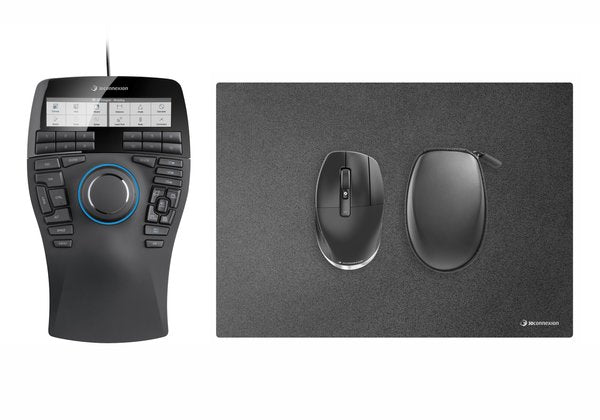 SpaceMouse Enterprise Kit 2SpaceMouse Enterprise Kit 2
- Regular price
-
$603.95 CAD - Regular price
-
- Sale price
-
$603.95 CAD
Quick view
-
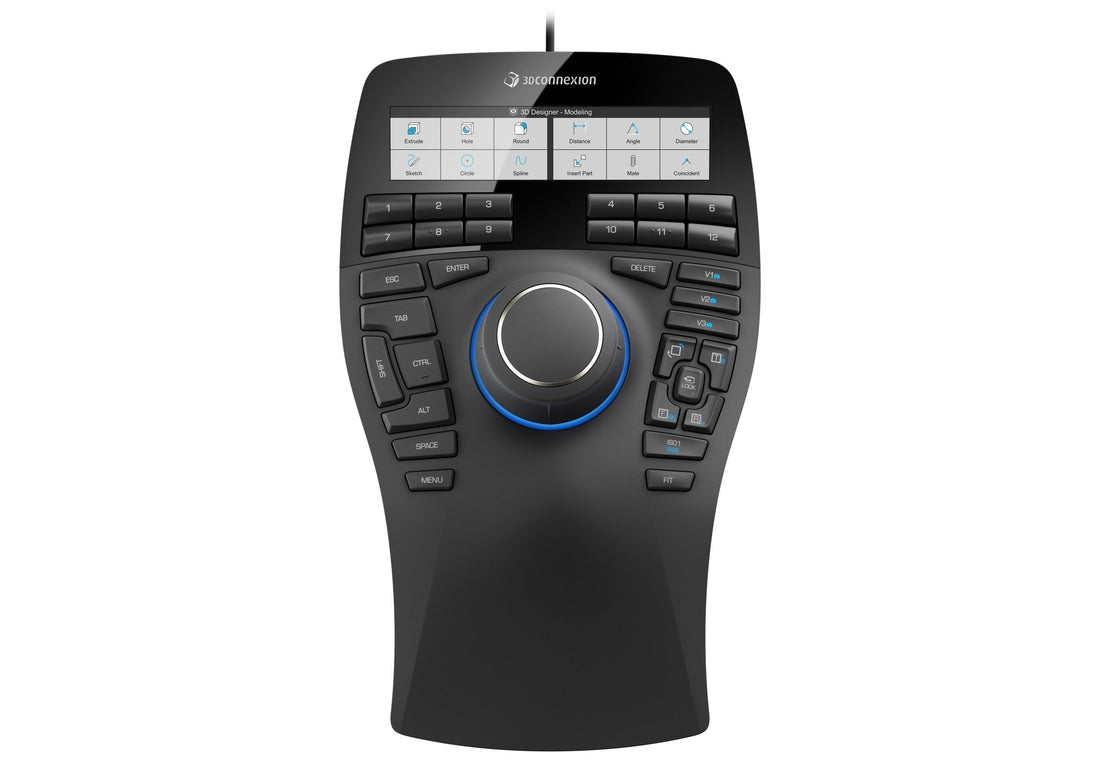 SpaceMouse EnterpriseSpaceMouse Enterprise
- Regular price
-
$577.95 CAD - Regular price
-
- Sale price
-
$577.95 CAD
Quick view
-
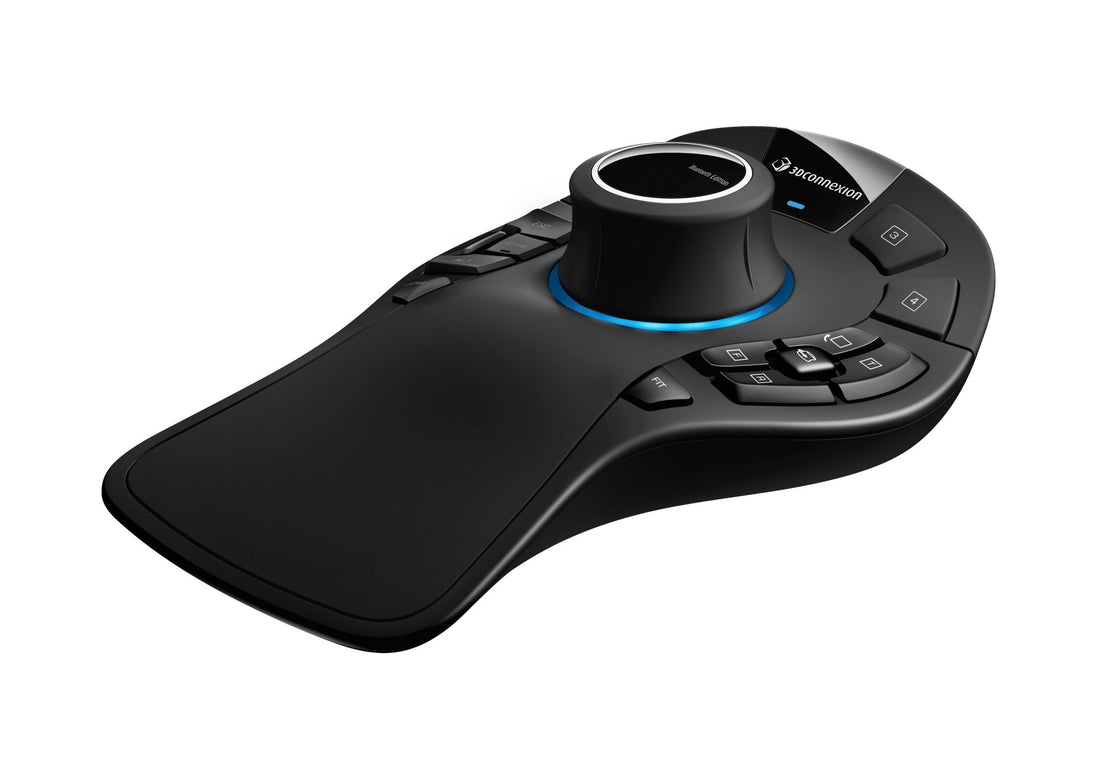 SpaceMouse Pro Wireless BluetoothSpaceMouse Pro Wireless Bluetooth
- Regular price
-
$476.95 CAD - Regular price
-
- Sale price
-
$476.95 CAD
Quick view
-
 SpaceMouse Pro WiredSpaceMouse Pro Wired
- Regular price
-
$424.95 CAD - Regular price
-
- Sale price
-
$424.95 CAD
Quick view
